Your GST return, built from your books
Karr builds the GST return from your invoices and bills, checks it against the portal and files it.
1.The real screen, shot on a demo business.
Demo data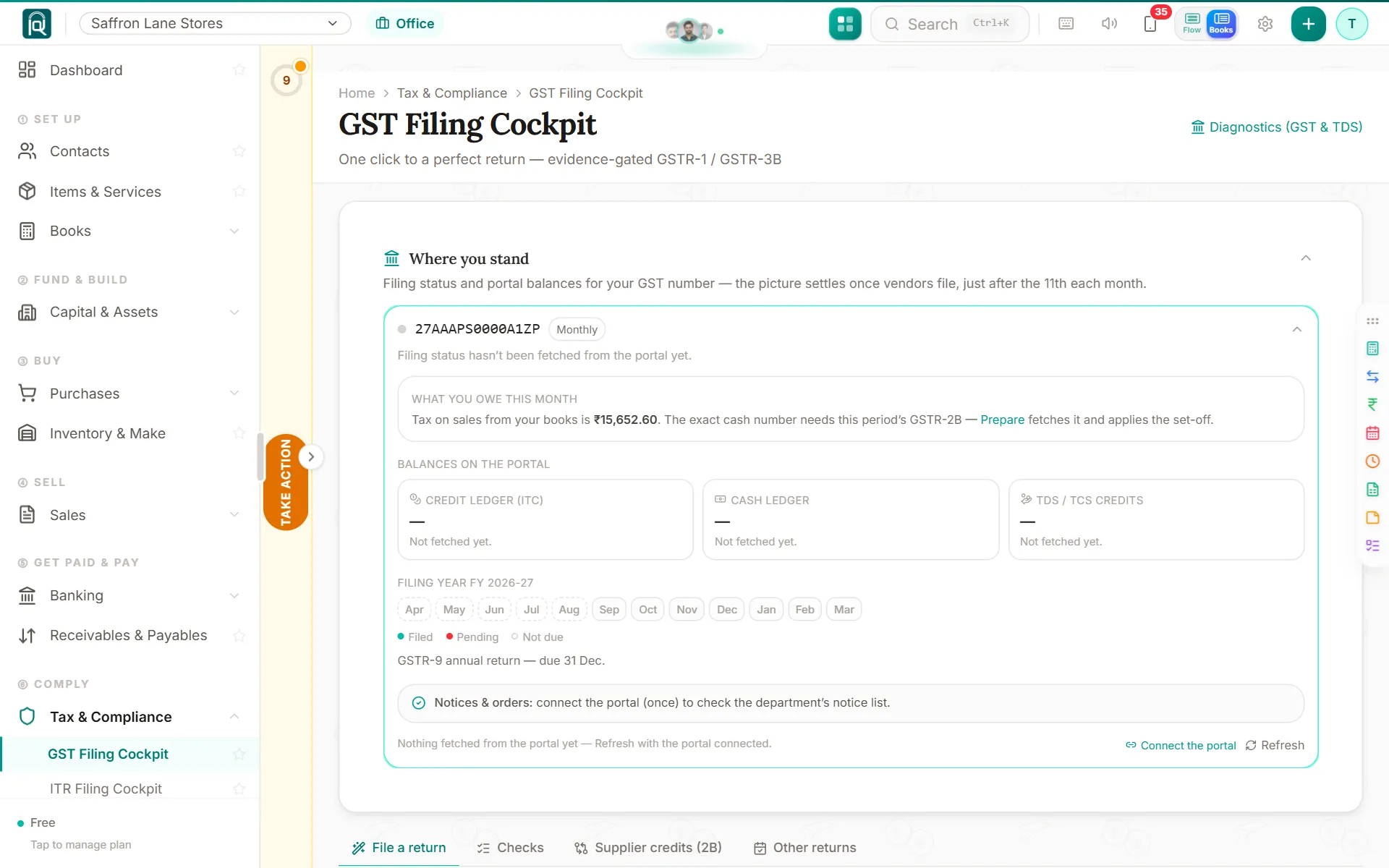
Every sale and purchase already carries its tax. Karr adds them into the monthly return (GSTR-3B) and the sales return (GSTR-1), compares the credit you claim with what your suppliers filed, and files with a one-time code. You see every figure before it goes.
- Who it is for
- A business owner, an accountant or a firm
- Where it works
- India
Since it shipped
First GST portal connect happens on the filing page
If Karr was never connected for your GSTIN, the filing page asks for your gst.gov.in username and the code itself, then remembers it.
A refused GST connect says why, who fixes it, and where
When the GST portal refuses a connect, the page says what its code means, who fixes it, the steps as bullets, and a button to where.
Your client says which invoices are wrong
On the sales return link a client marks an invoice Not this month, adds a missing one with a photo, or writes a note.
Auto on a GST column now means every client
On Auto, Karr starts the GST return for every client of the office. Only a client you put on Manual is left out.
Sales to a special economic zone, taxed right
Mark a customer as an SEZ unit and each sale to them is zero-rated: IGST even in your own state, or no tax under your bond.
Before filing, the sales that look unconfirmed
Before a month is filed, Karr names the invoices to new customers with nothing received, once, and lets you void the ones never sent.
Importers and GST held back, handled
An importer books the bill of entry with its GST, and GST held back on a purchase or a sale reaches the return the right way.
Invoices and bills tell Karr your trade
An invoice abroad marks you an exporter, one to a government office that holds back GST says so, a bill of entry an importer.
Karr reads what you sell instead of asking
What you sell is read from your items, GST registration and bills, saved as one line with its reason, and Change fixes it.
Profession or business, read from what you sell
Karr reads profession or business from your items and income-tax code; Change on What you sell sets it yourself.
Signing up no longer asks What you sell
A new business is read from its GST registration and what it does, and your accountant confirms the reading in the client list.
The item form says which special trade a code is
Pick a code like health care and the item form says how Karr taxes it, with Not right if that is not your business.
What you sell never asks Not sure again
Nothing is asked up front any more, so the Not sure answers and the new-options reminder are gone from What you sell and the list.
Your accountant answers What you sell in one press
When a business says Not sure, its accountant now gets the question and closes it with one save.
Fourteen more trades, taxed the way the law says
Used goods on their margin, food at its own rate, landlords, housing societies and pharmacies: each sale is taxed the way its trade needs.
Each sale line follows what you sell
Karr knows what the business sells, so each invoice line gets the right tax treatment and reaches the returns that way.