Your day on one page
Cash, what you are owed, what you owe and what needs you today, the moment you open Karr.
1.The real screen, shot on a demo business.
Demo data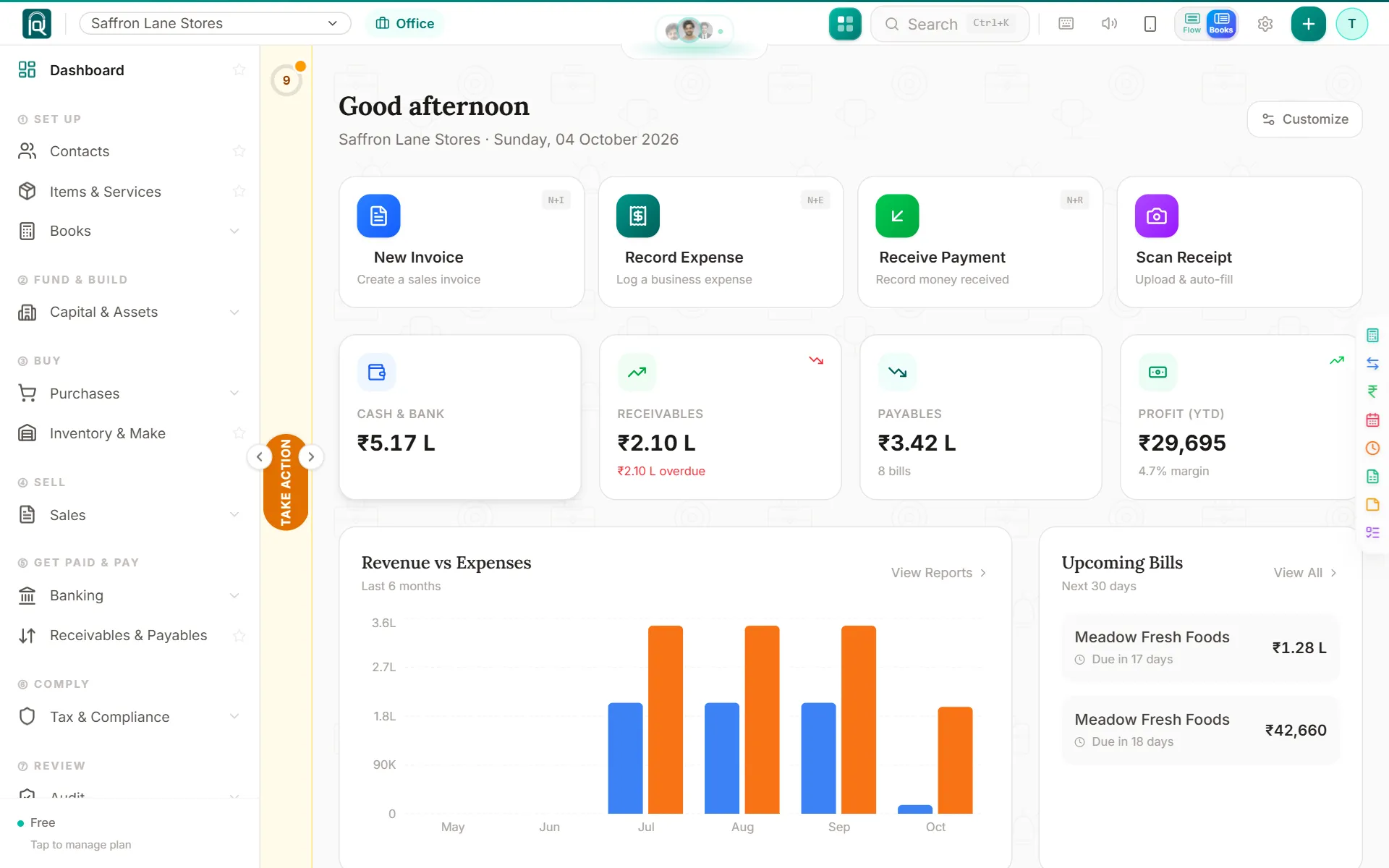
The home answers the questions an owner asks first: how much is in the bank, who owes me, whom do I owe. Below that sits the short list of things that need you today, each with the button that does it.
- Who it is for
- A business owner, an accountant or a firm
- Where it works
- Every country Karr serves (30)
Since it shipped
A phone stuck on Desktop site is told how to fix it
A phone showing Karr laptop-size is told where to switch Desktop site off, and a signed-in phone is offered the install again.
The menu steps fully aside
Shut the menu on a laptop and the page gets the whole screen; a handle halfway down the left edge pulls it back, and so does the [ key.
Karr fits your phone; Karr Force goes where you put it
Tapping a box no longer zooms the page on any phone, and the Karr Force button can be dragged anywhere on screen and stays there.
On a phone, Karr goes on your home screen before you sign up
On a phone, Karr goes on your home screen first, so you sign up once inside it and stay signed in. The browser is one tap away.
Stay signed in on your phone
Once you sign in on a phone, Karr keeps you signed in, so your day is one tap away.
The client's whole name, always in view
The header shows the whole client name in a fixed oval, and the phone counts reminders and messages exactly.
More room for the work
Tabs and buttons ride in the page header, and every page has one strip of tabs.
Flow or Books, with a turn of the page
One switch shows both views by name, turning to Flow opens the Flow home, and the sidebar folds away from a small knob.
Any page beside the one you are on
Open any Karr page in a window beside your work, take it full size, or tuck it into a chip in the header.
One panel instead of popups
Everything Karr needs from you sits in one panel at the edge of the screen, instead of popups that open by themselves.