Your work for today
Each person in the office sees the tasks given to them, by client and by urgency.
1.The real screen, shot on a demo business.
Demo data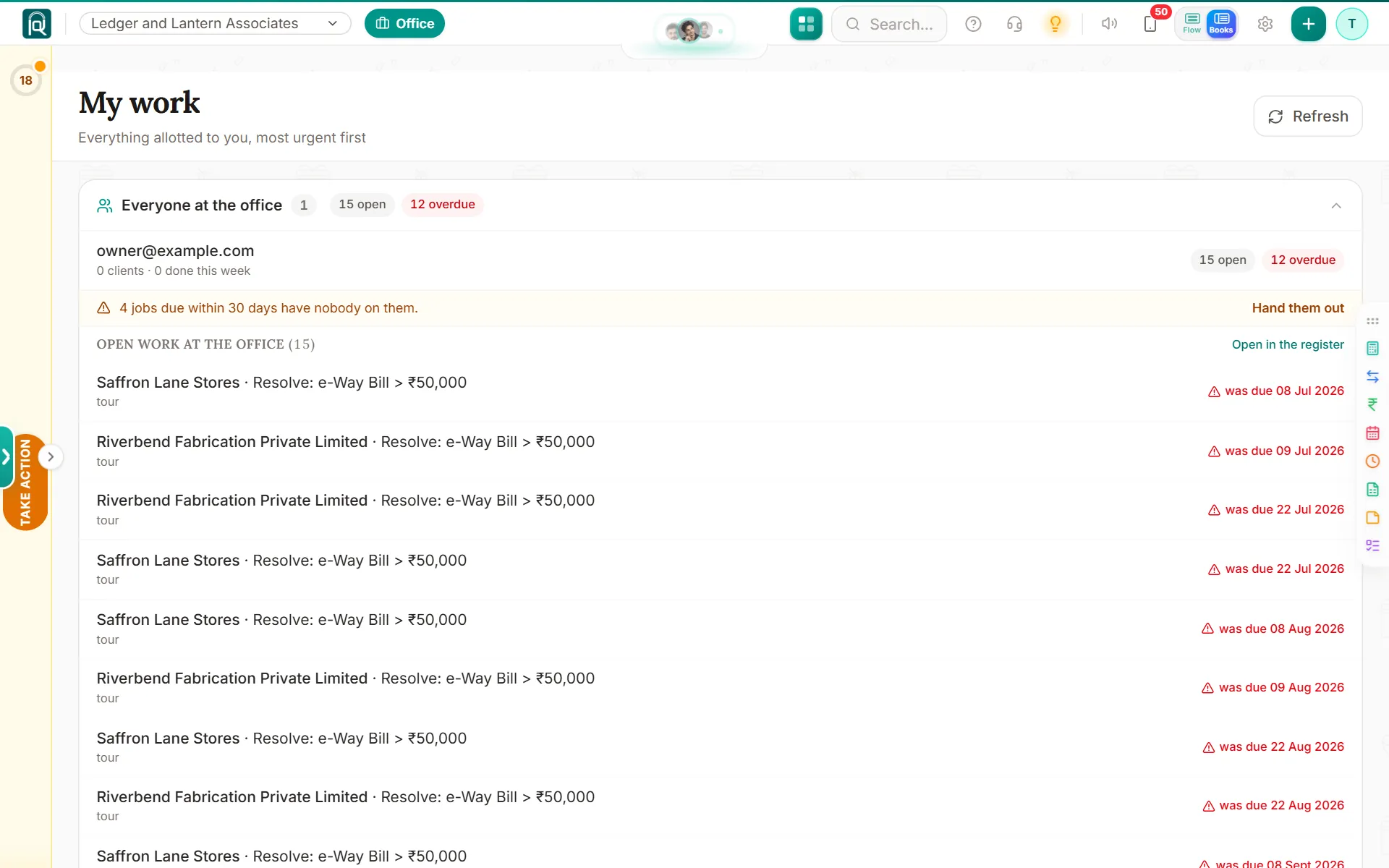
Start a task, finish it, or hand it to a colleague with a note. Every hand-over is recorded, so nothing changes hands silently.
- Who it is for
- An accountant or a firm
- Where it works
- Every country Karr serves (30)
Since it shipped
A timer for a project or a customer
Start a timer on My day against a project or a customer and stop it with a note; the minutes land on your day sheet.
Plan the visits; each one writes its outcome
Plan my day lists the customers to see, nearest first. Reached, then how it went: an order, a payment or a follow-up.
Press Reached at each customer
Start my day has Reached: press it at a customer and Karr notes you arrived. The first press saves that customer's place.
Trips, with trip mode you switch on yourself
Start a trip on My day; with trip mode on, the distance is the real one, and its end works out mileage and per diem.
The office team, by area of work
The Team tab leads with the people, kinds of work come grouped by area, and work nobody has is one tap from someone.